Glint update: walk around your room with W A S D, jump, and set your own keys
Walk your avatar around a Glint room with W A S D or the arrow keys, tap Space to jump, and change the keys in Controls. Plus a camera that follows you or a friend.
 By Mario Jankovic 5 min read
 Glint is a browser app where friends build cozy rooms with stickers and hang out in them together. This update, out on October 2, 2026, lets you walk around like in a game: hold W A S D or the arrow keys and your avatar walks through the room, tap Space and it jumps, and everyone in the room sees it. You can change every key in a new Controls window, and the camera can follow you or a friend as you move.
What’s new in this update?
| Feature | How to use it | What it does |
|---|---|---|
| Walk | Hold W A S D or the arrow keys | Your avatar walks through the room, and two keys together walk diagonally |
| Jump | Tap Space | A little hop, on the spot or mid-walk, seen by everyone |
| Controls | Room menu (···), then Controls | Change any walking or jumping key, and see every other shortcut |
| Camera follows me | Room menu (···) | The view stays on you as you move |
| Follow a friend | People list, Follow next to a name | The view goes where they go |
| Find me | The target button next to the people count | Glides the view back to your avatar |
How do you walk with W A S D?
Hold W to walk up, A to walk left, S to walk down and D to walk right. The arrow keys do the same. Hold two at once to walk diagonally, and let go to stop. Your avatar bobs a little as it walks, and everyone in the room sees you walking, not just where you end up.
Walking only listens when you’re not typing. While the chat, a note or any text box has your cursor, W A S D are just letters. Walking also pauses while a menu is open or you’re building, carrying or dragging something, so it never gets in the way of what you’re doing.
You can still hop straight to a spot by double-clicking it or holding it, and drag your avatar wherever you like. If you like your avatar trailing your mouse, Follow my cursor is still in the room menu.
How do you jump?
Tap Space and your avatar jumps, standing still or mid-walk. Space still pans the view when you hold it down and drag, like before. While you’re walking, Space only ever jumps.
How do you change the keys?
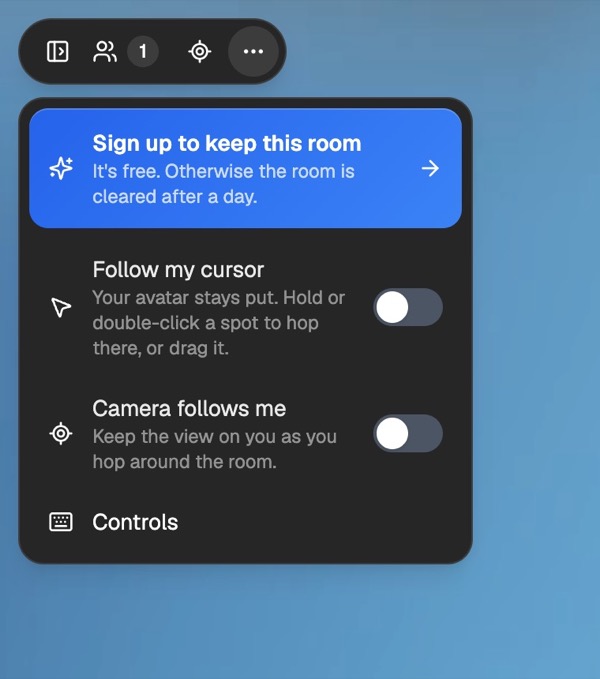
Open the room menu (the ··· button at the top left) and choose Controls. Controls is also in the Esc menu and in Settings.
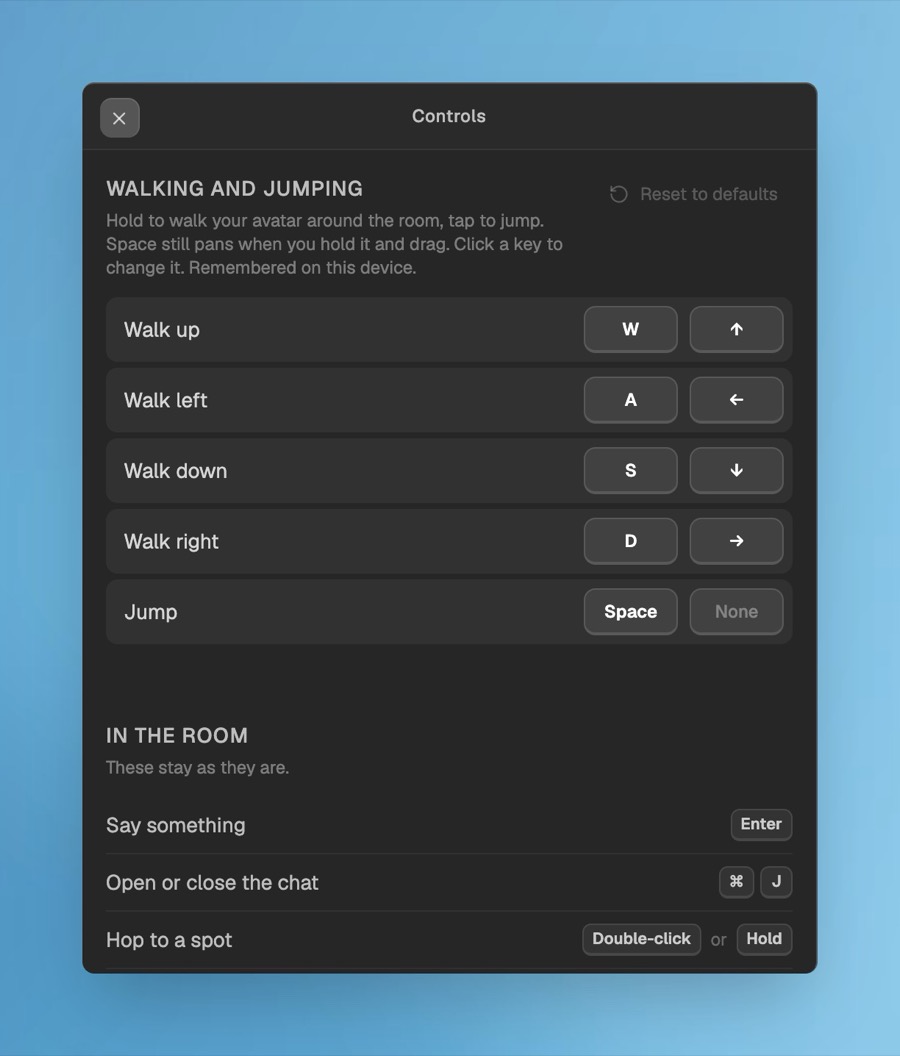
- Click the key you want to change.
- Press the new key. Esc cancels, and Backspace leaves that slot empty.
- Every action has a main key and a spare, so you can keep the arrows and add your own.
Reset to defaults puts everything back. Your keys are remembered on this device. They follow the position of the keys on your keyboard, not the letters printed on them, so on a French keyboard the same spot walks: Z Q S D.
What other keyboard shortcuts does Glint have?
The Controls window also lists the room’s other shortcuts, which stay as they are:
| Action | Keys (Mac, then Windows) |
|---|---|
| Say something | Enter |
| Open or close the chat | ⌘ J, Ctrl J |
| Hop to a spot | Double-click or hold |
| Pan the view | Hold Space and drag |
| Zoom in and out | ⌘ + and ⌘ −, Ctrl + and Ctrl − |
| Center the view | ⌘ 0, Ctrl 0 |
| Close things, or open the menu | Esc |
| Build mode | B |
| Flip a sticker | F |
| Delete what’s picked | Delete |
| Duplicate | ⌘ D, Ctrl D |
| Undo and redo | ⌘ Z and ⌘ ⇧ Z, Ctrl Z and Ctrl ⇧ Z |
| Bring forward and send back | ⌘ ] and ⌘ [, Ctrl ] and Ctrl [ |
| Group and ungroup | ⌘ G and ⌘ ⇧ G, Ctrl G and Ctrl ⇧ G |
Can the camera follow you around?
Yes. Turn on Camera follows me in the room menu and the view stays on you as you walk or hop around, so you never walk off the edge of the screen. Turning it on switches off Follow my cursor, because your avatar chasing your mouse and the camera chasing your avatar would chase each other around the room.
To follow a friend instead, open the people list and press Follow next to their name. The view goes wherever they go, and a small pill at the top of the room says who you’re following, with a way to stop. Following ends when you stop it, pan the view yourself, or they leave. Lost track of yourself? The target button next to the people count glides the view back to your avatar.
What else got fixed?
- Calls no longer drop and rejoin every few seconds. Some people were quietly reconnecting all day, which made rooms flicker.
- Avatars come back after a reconnect instead of going missing until someone clicks.
- If you’re signed in and open a guest invite link, you join as yourself instead of as a guest.
What’s next?
Glint stays fully free, and we only earn from optional sticker series. Walking came straight from your feedback, so tell us what you’d like to do with it next. Every past release is on the release notes page, including last week’s chat bubbles and whispers.
Open Glint and take your avatar for a walk.
Frequently asked questions
How do I move my avatar with the keyboard in Glint? Hold W A S D or the arrow keys. Hold two keys to walk diagonally, and tap Space to jump.
Can I change the walking keys? Yes. Open the room menu, choose Controls, click a key and press the new one. Each action has a main key and a spare, and Reset to defaults puts them back.
Why doesn’t W A S D move me while I’m typing? Walking only listens when no text box has your cursor, so you can chat and write notes normally. Click anywhere in the room and the keys walk again.
Does it work on a French or German keyboard? Yes. The keys follow their position on the keyboard, so the W A S D spot works on any layout: Z Q S D on a French keyboard.
How do I follow a friend around the room? Open the people list and press Follow next to their name. The view goes where they go until you stop, pan, or they leave.
Written by
Mario Jankovic
Mario makes Glint, a cozy browser app where friends build rooms together and hang out in them. He writes here about spending time with people you love online, and about everything new in Glint.
Follow Mario on Bluesky →Keep reading
Glint update: a free Halloween series, plus dogs, ducks and geese
A free Halloween sticker series for October, 16 new pets across every series, and stickers that now sit neatly on the room grid. Here is what changed in Glint.
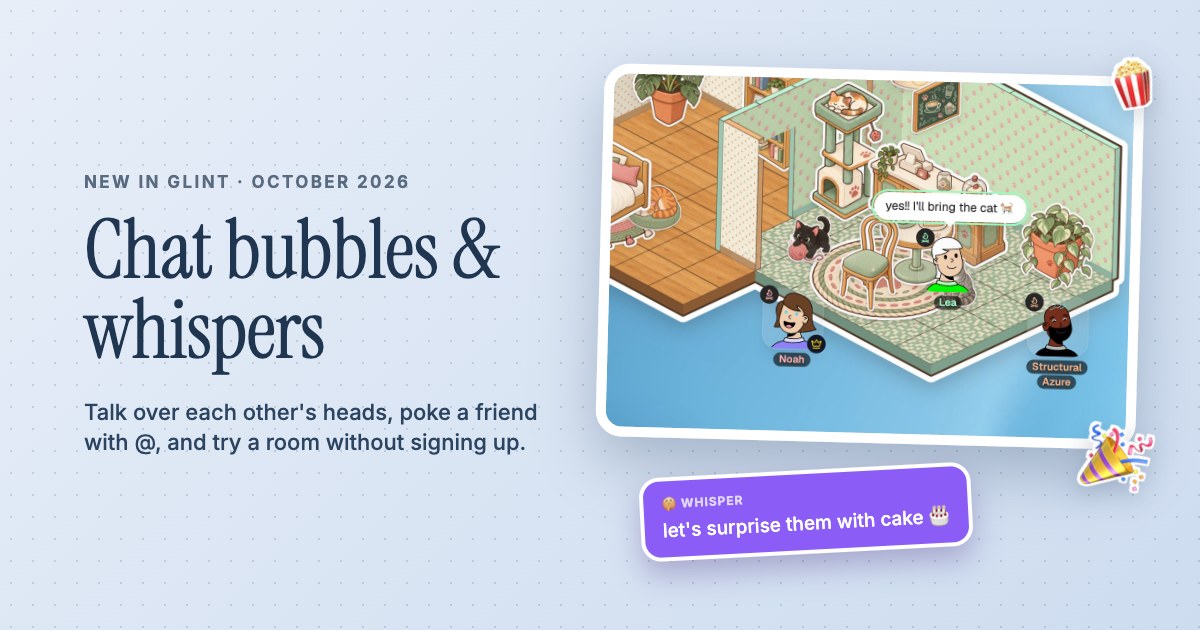
Glint update: chat bubbles over your head, whispers and a room you can try without signing up
Chat in Glint now pops up over your head, emoji burst out of you, @ pokes a friend and /w whispers to one person. See who is on a call, and try a room without an account.
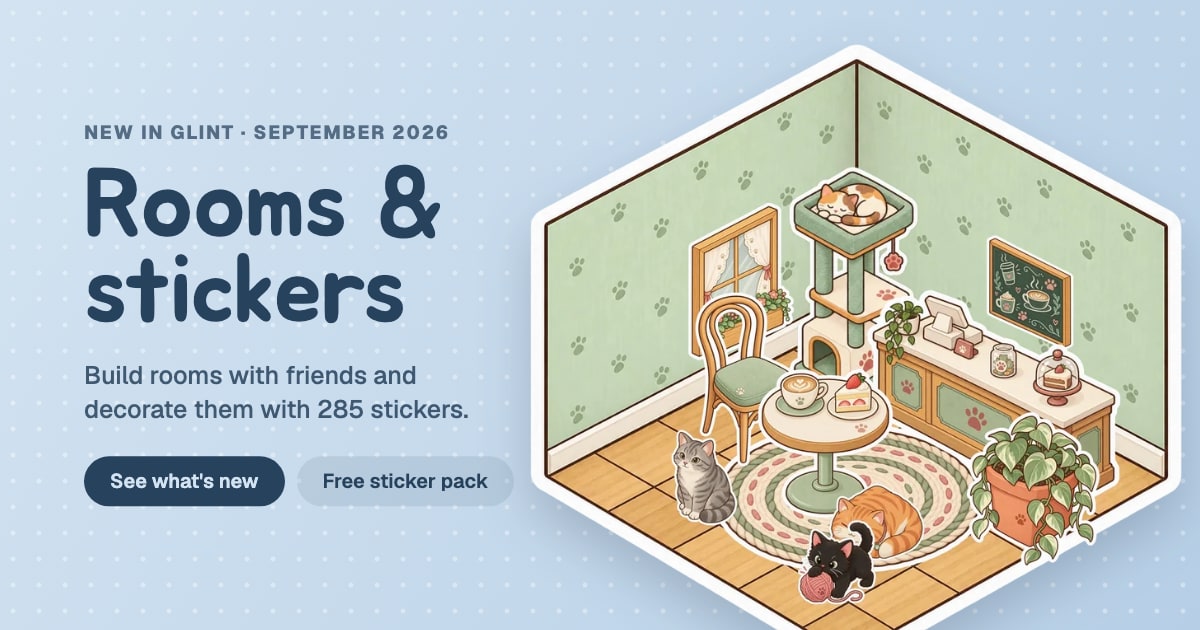
Glint update: build rooms and decorate them with stickers
Build rooms tile by tile in Glint and decorate them with 285 stickers. Plus a free Autumn Cabin sticker pack, a sticker shop, better folders and a new dock.
Ready to try these features?
Glint is free and runs in your browser. Make a room, decorate it with stickers and invite your friends.