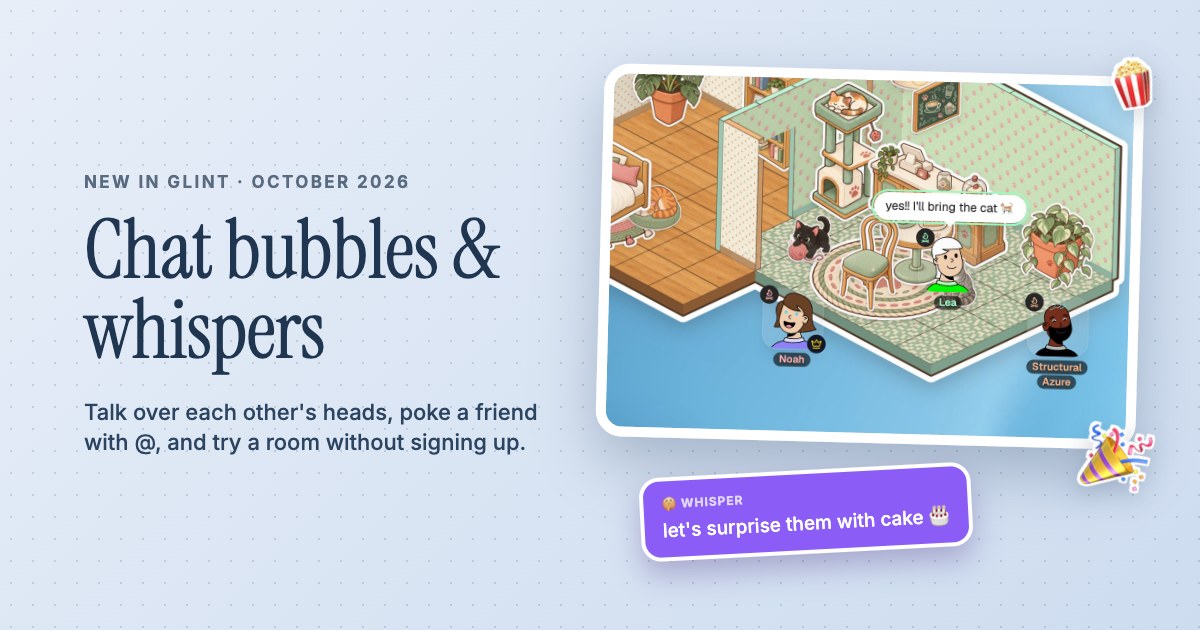
 Chat bubbles, whispers and Try it out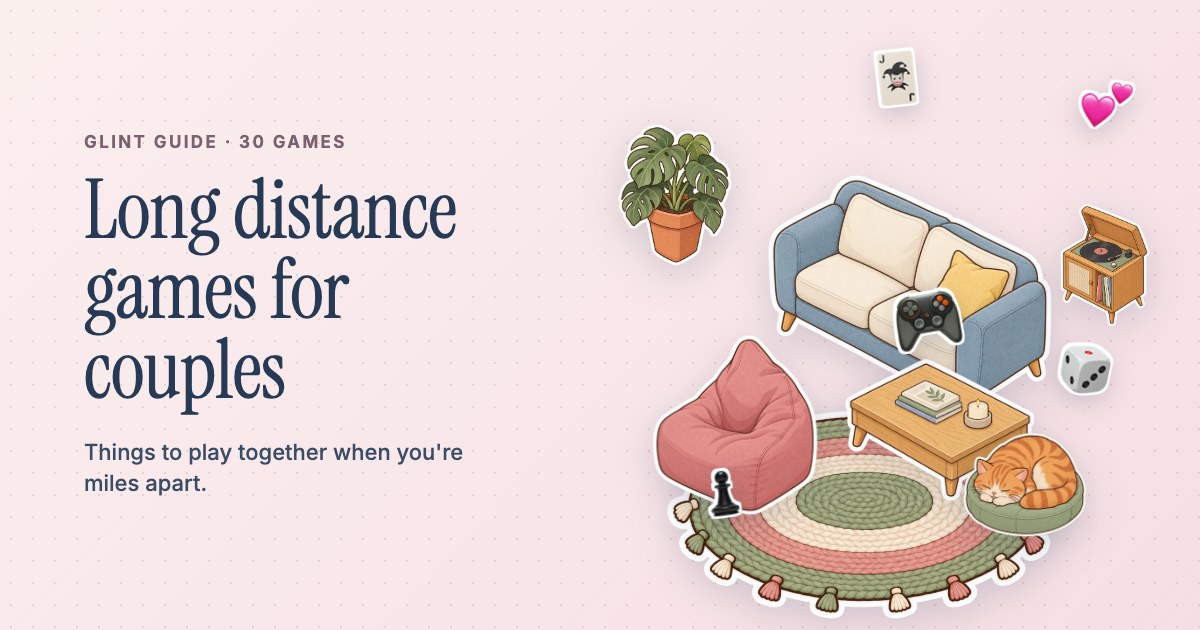
Your place.From any distance.
Pick the sofa together. Put something on. Leave a note for tomorrow. Make a little room for the everyday things you want to share.


- Build and decorate while you talk
- Synced YouTube for evenings together
- Saved rooms for different time zones
Do something with the call
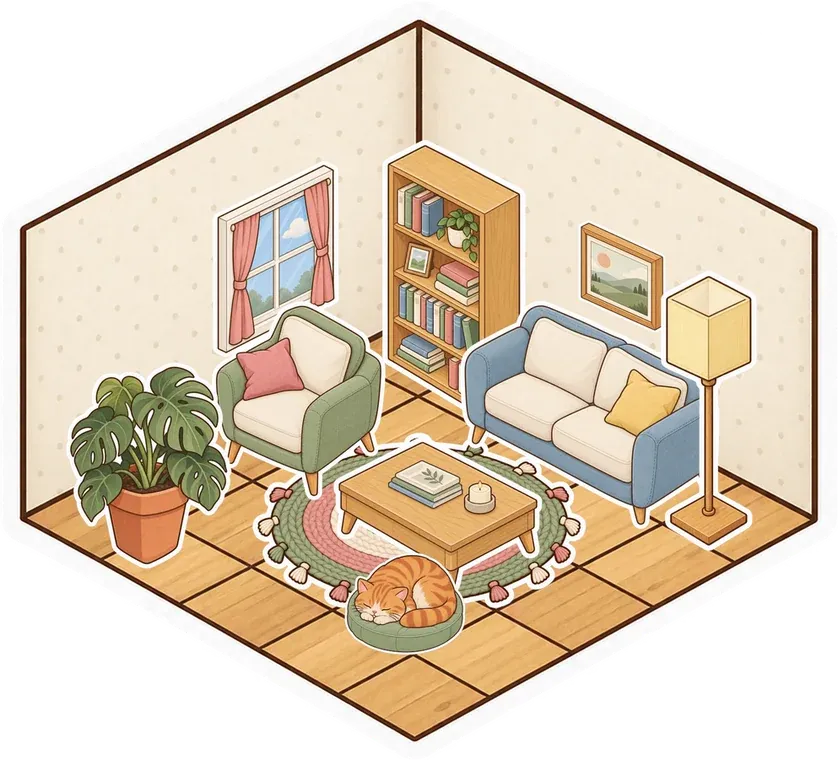
Start with a floor and take turns adding to it. One of you chooses a room style, the other finds a lamp or a sleeping cat in the sticker album. Talk while you build and let the place fill up slowly. A shared room gives the evening something small to do, whether you have an hour for a proper date or just a few minutes to show each other what you added.


Make a corner for your kind of evening
Put an embeddable YouTube video in the room and watch with synced play, pause and seeking. Turn on voice for commentary or leave a chat bubble when you want to react quietly. Keep a document for your next visit, save links for things to watch or put photos on the canvas. The room can hold your plans beside the comfortable corner where you spend time, and you can change it whenever another idea comes along.

Leave something when your days don't overlap
A saved room doesn't need both of you online at once. Add a note while your partner is asleep, leave a new sticker beside their avatar's usual spot or put a picture somewhere they'll find it. They can come back later and add their own thing. Save the room with an account so the place stays between visits, and keep it private for the people you want to share it with.


A Little Setup.
Then You're Here.
Further reading 25 ideas for your next long distance date
-
Make a room for two
Sign up free, create a private room and invite your partner from Manage Users in the room controls. Pick a room style together or start with a few tiles and build from there.
-
Add something from each of you
Turn on voice or video and take turns choosing stickers. Add a picture, a shared plan or a video for tonight so the room already has a bit of you in it.
-
Keep coming back
Use the saved room for the next call and leave a note between visits. Add another small corner when you feel like it, and let the place grow over time.
Questions
Can we use the room at different times?
Yes. In a room saved to an account, notes, stickers and other content stay after you leave. Your partner can return later to find what you added and leave something of their own.
What can we do together on a virtual date in Glint?
Build and decorate a room, talk over voice or video, doodle, plan your next visit or watch an embeddable YouTube video in sync. The room stays available for your next evening together.
Can we keep our room private?
Yes. Choose a private room and invite your partner. The room's files and shared content are available to people who can get into it, so keep the audience to the people you intend.
Do we both have to pay to use it?
Glint is free, with no limits on rooms or members. You can build and use your room with free stickers. Optional premium sticker series are available if you want more decorations.
There's More in Here.
See every use caseDigital stickers
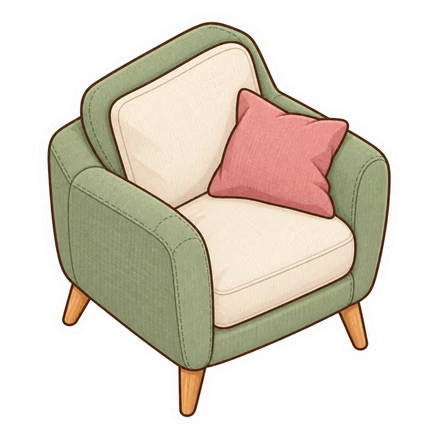
Peel furniture, plants and little characters from the sticker album. Put them on floors, walls, pictures or notes.




Watch together
Watch YouTube with synced play, pause and seeking. Keep voice and chat beside the video in your shared room.
Room builder
Lay floors, put up walls and add doors. Build a room from scratch or start with a ready-made style.
 Cozy bedroom
  Cat café
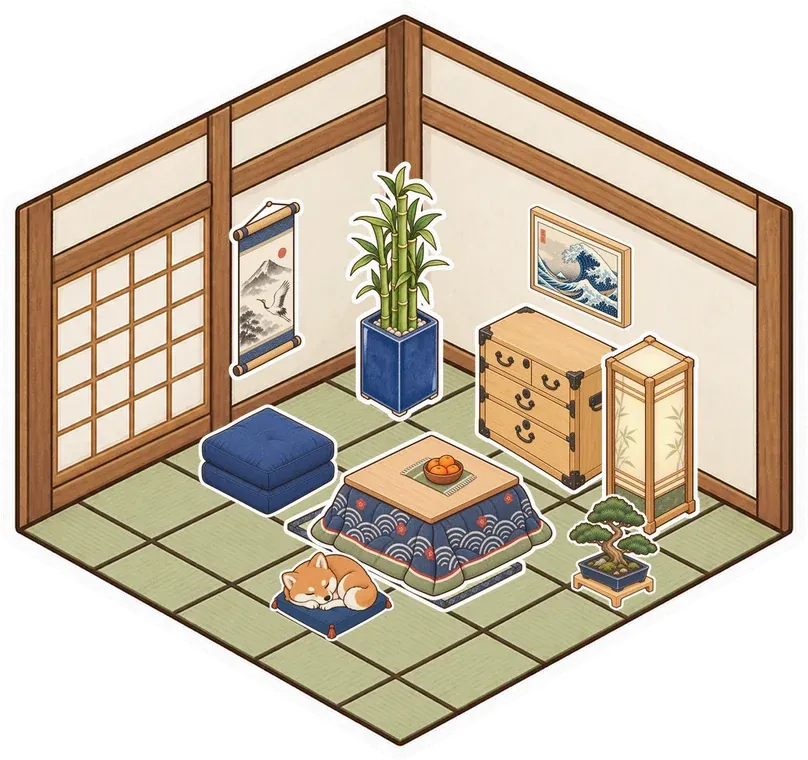
 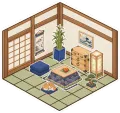 Tea room
  Parlour
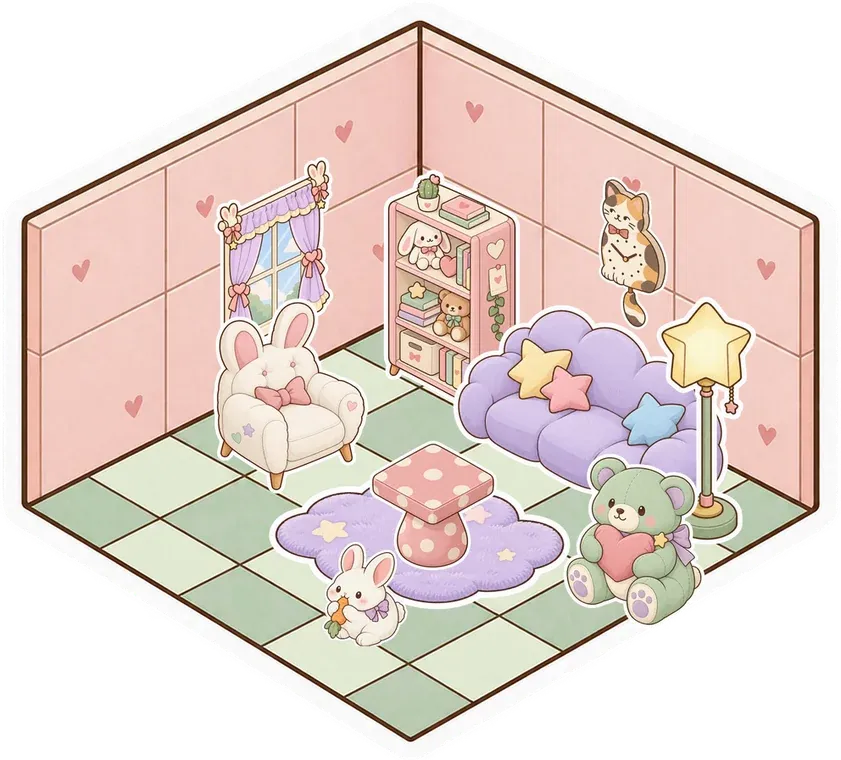
  Kawaii
 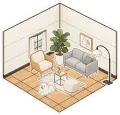 Modern
Make your room for two
Make something small. Invite your people. See what it turns into.
Make your room for freeFree forever. Nothing to install.