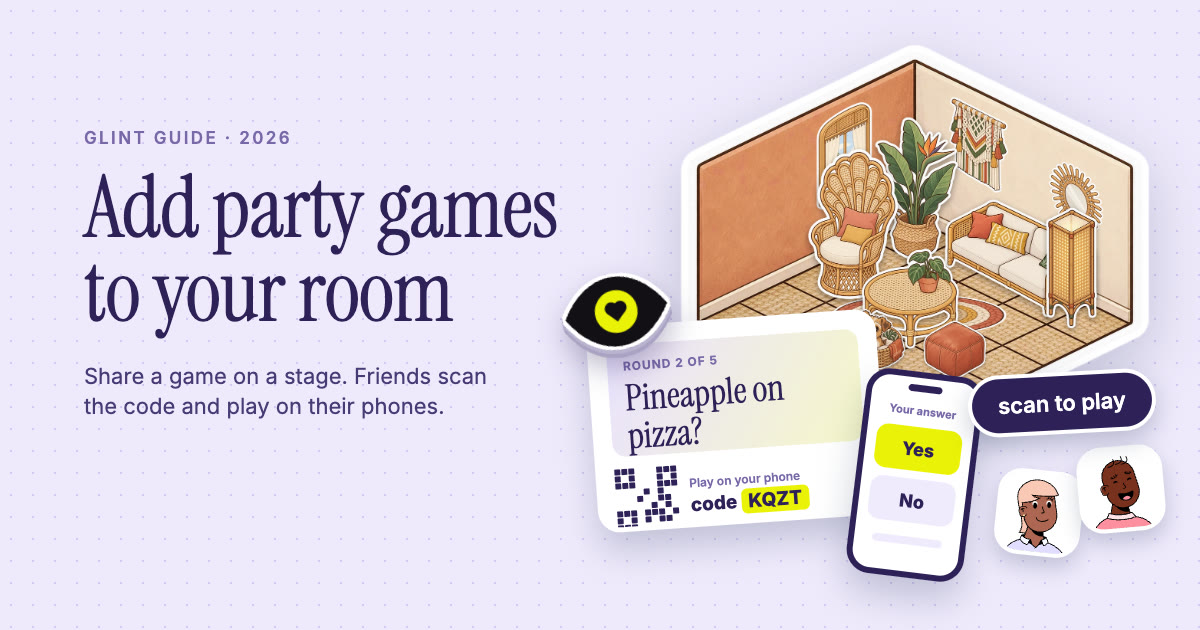
 Add party games to your room
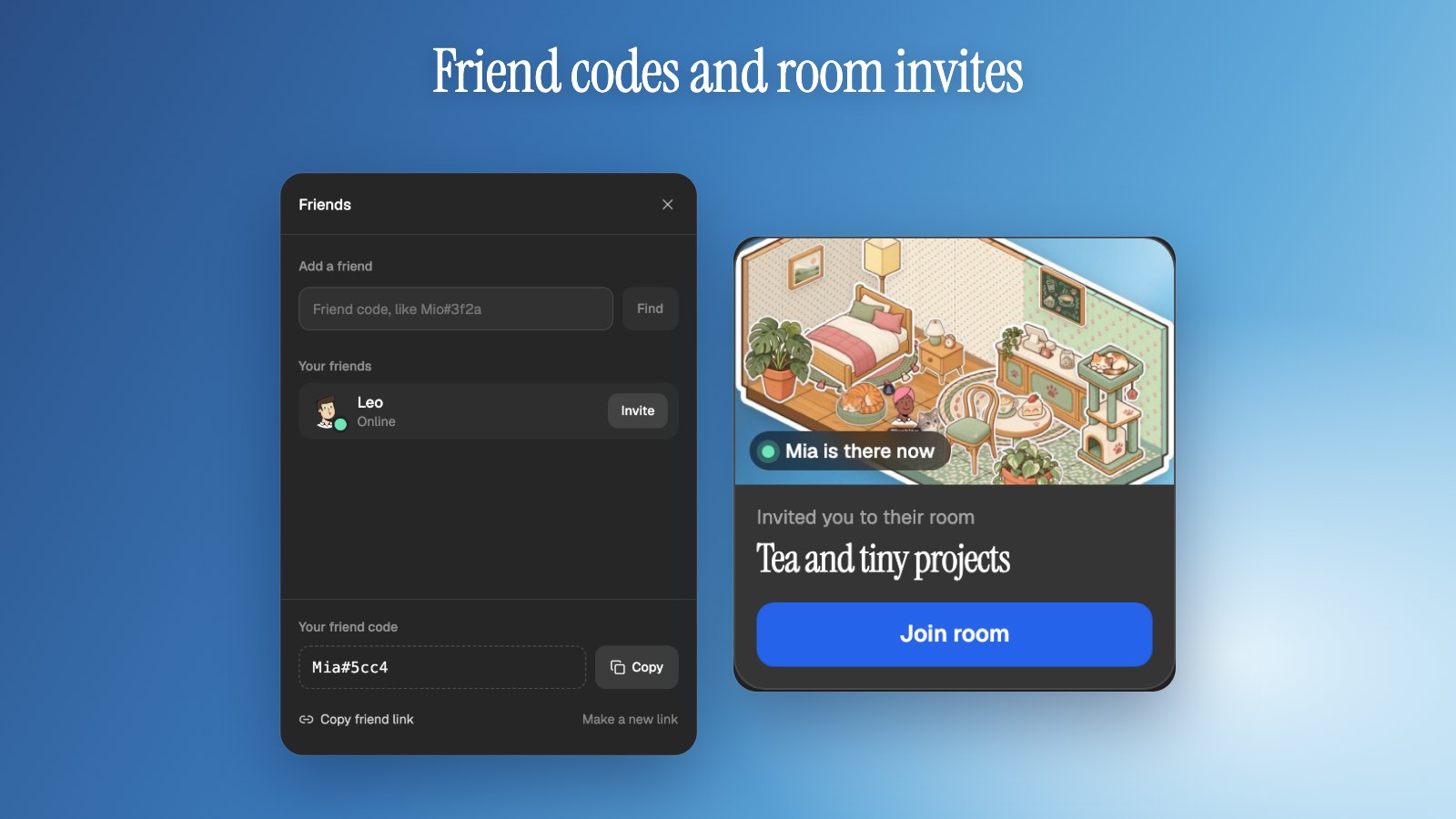
How to add party games to your Glint room
Add party games to your Glint room in four steps: share a game on a stage and your friends play on their phones. We use StreamArena, a free party game service from the same team.
 By Mario Jankovic 7 min read
To add a party game to your Glint room, share the game on a stage. Your friends scan the code on the shared screen and play on their phones, with no app to install and no account.
This guide shows you how to do it with StreamArena, a free party game service we built at the same small company that makes Glint. It has more than 60 games, from quick guessing rounds to team battles. Below are the steps, the games that work best with a few friends, and how to turn it into a virtual game night.
Glint has no built-in games, and StreamArena was built for live streams and podcasts. The two fit because a StreamArena game needs one shared screen and a phone for each player, and a Glint room is a place where someone can share their screen. Here is StreamArena’s launch video. It runs for 35 seconds.
How to add a party game to your room, step by step
It takes four steps and a computer. Glint and StreamArena are not connected in any special way. What makes this work is Glint’s screen sharing, plus the fact that a StreamArena game is an ordinary web page.
- On a computer, open app.streamarena.so/play and press Start on a game. You don’t have to sign up. You get a link to the game, a room code for phones and a remote to run the show.
- Open the game link in its own browser tab.
- In your Glint room, place a stage from the Board tab, join it and start screen sharing. When your browser asks what to share, pick the tab with the game.
- Your friends join the stage, scan the code on the shared screen with their phone, pick a name and play.
A few things to know before you invite people:
- The games talk to “chat” and “viewers”. They were written for streams, so read that as “everyone in the room”. The line “or just type in chat” under the code is for shows that go out through Upstream.so. Typing in Glint’s chat does nothing in the game, so in a Glint room everyone plays by phone.
- Sound depends on your browser. Glint passes along the sound of a shared tab when your browser offers it. Look for the audio option in the sharing prompt.
- A show started without an account lasts 24 hours. Sign up on StreamArena if you want to keep it.
- It is most comfortable with two screens. Keep Glint open on a computer and the phone in your hand. A friend who is in Glint on their phone would have to switch between Glint and the game page.
How do party games on your phone work?
A StreamArena game is a web page. The host opens it and shows it to everyone else, and the game prints a code and a short address on screen. Players scan the code or type the address on their phone, pick a name and they are in. Their answers stay secret until the reveal, so the whole group sees the result at the same moment.
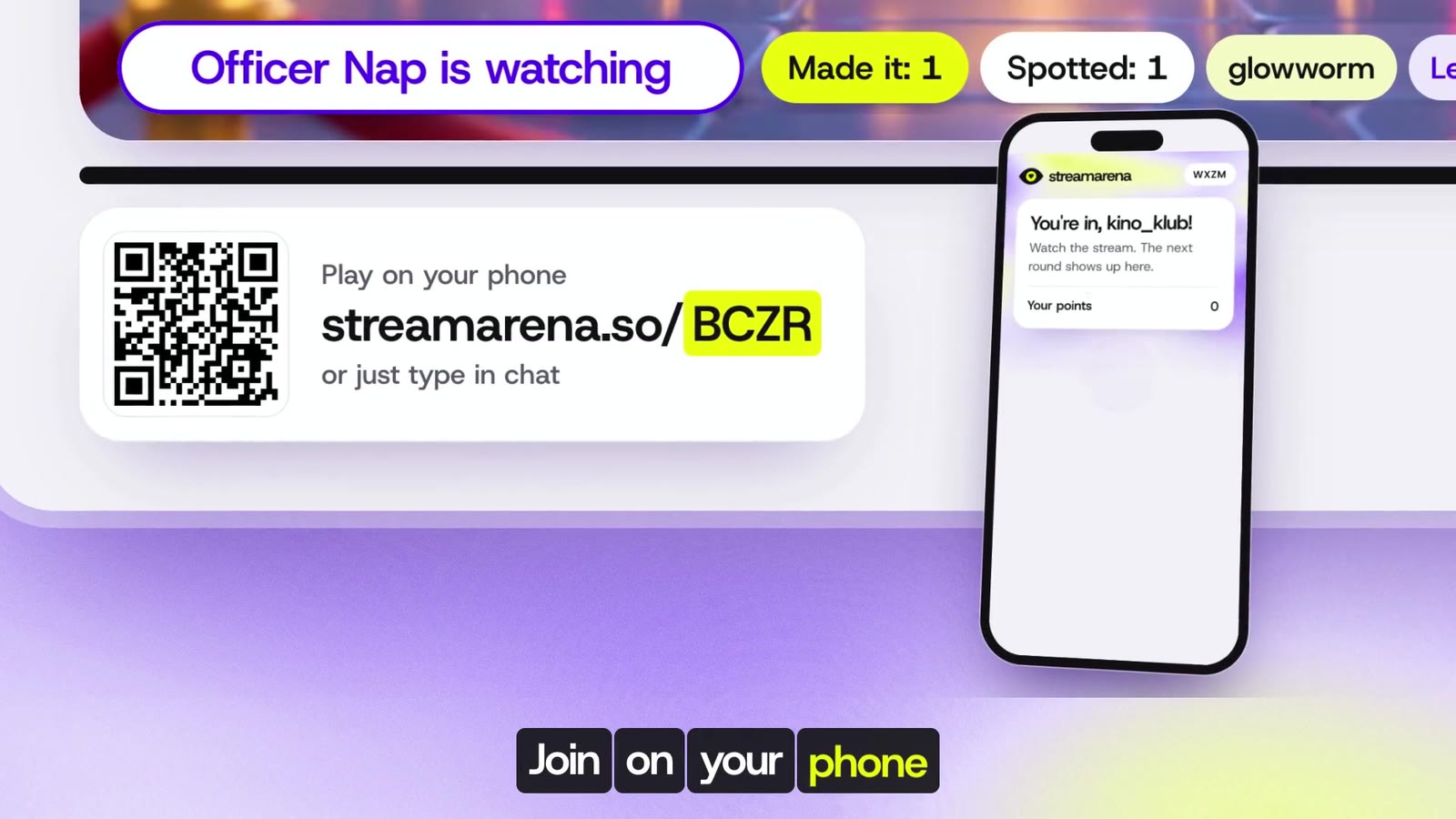
StreamArena comes from the team behind Upstream.so, at the same small company that makes Glint, and the people it was made for host live shows. A streamer adds the game to OBS, Streamlabs, Meld or StreamYard as a browser source, which is how those apps show a web page, and viewers play from their phones. On Upstream.so, our cloud streaming platform, the game is already a scene, and viewers can also play by typing in YouTube, Twitch or Kick chat.
The library has its games on six shelves: guessing, read the room, team battles, word games, worlds that keep going, and missions and mysteries. A round is designed to take about a minute. The missions shelf is the exception, with longer stories that a group plays as one crew.
Which games work with a few friends?
Most games in the library are listed for one player or more, and a house player joins quiet rounds, so a small group still has someone to beat. Tug of War and Platform Wars are listed for ten or more. Save those for a big night.
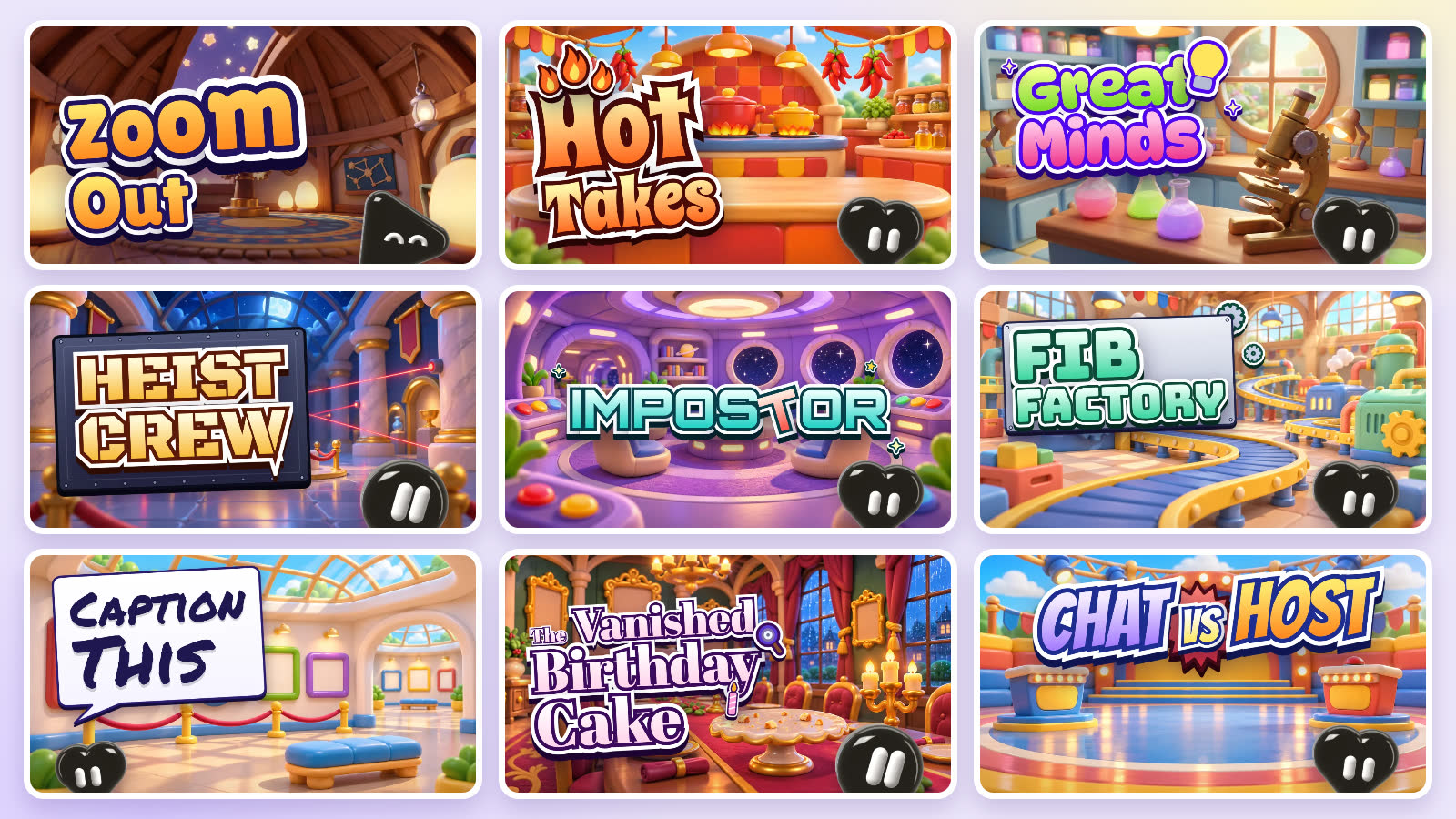
These are good ones to open first with a handful of friends, because their rules need only a few people:
| Game | What you do | Listed for |
|---|---|---|
| Zoom Out | A picture starts zoomed all the way in. Name it before it pulls back. | 1 or more |
| Hot Takes | Agree or disagree with a statement, then guess how much of the room agrees. | 1 or more |
| Great Minds | Type what you think everyone else will type. Matching the crowd scores. | 1 or more |
| Chat vs Host | One of you answers a question in secret. The others guess what they wrote. | 2 or more |
| Impostor | Everyone gets a secret word, but one player has a different one. Find them. | 1 or more |
| Caption This | Write a caption for a jelly in a silly situation, then vote for the best one. | 1 or more |
| Five Letters | One hidden word and six rows, with the whole group guessing together. | 1 or more |
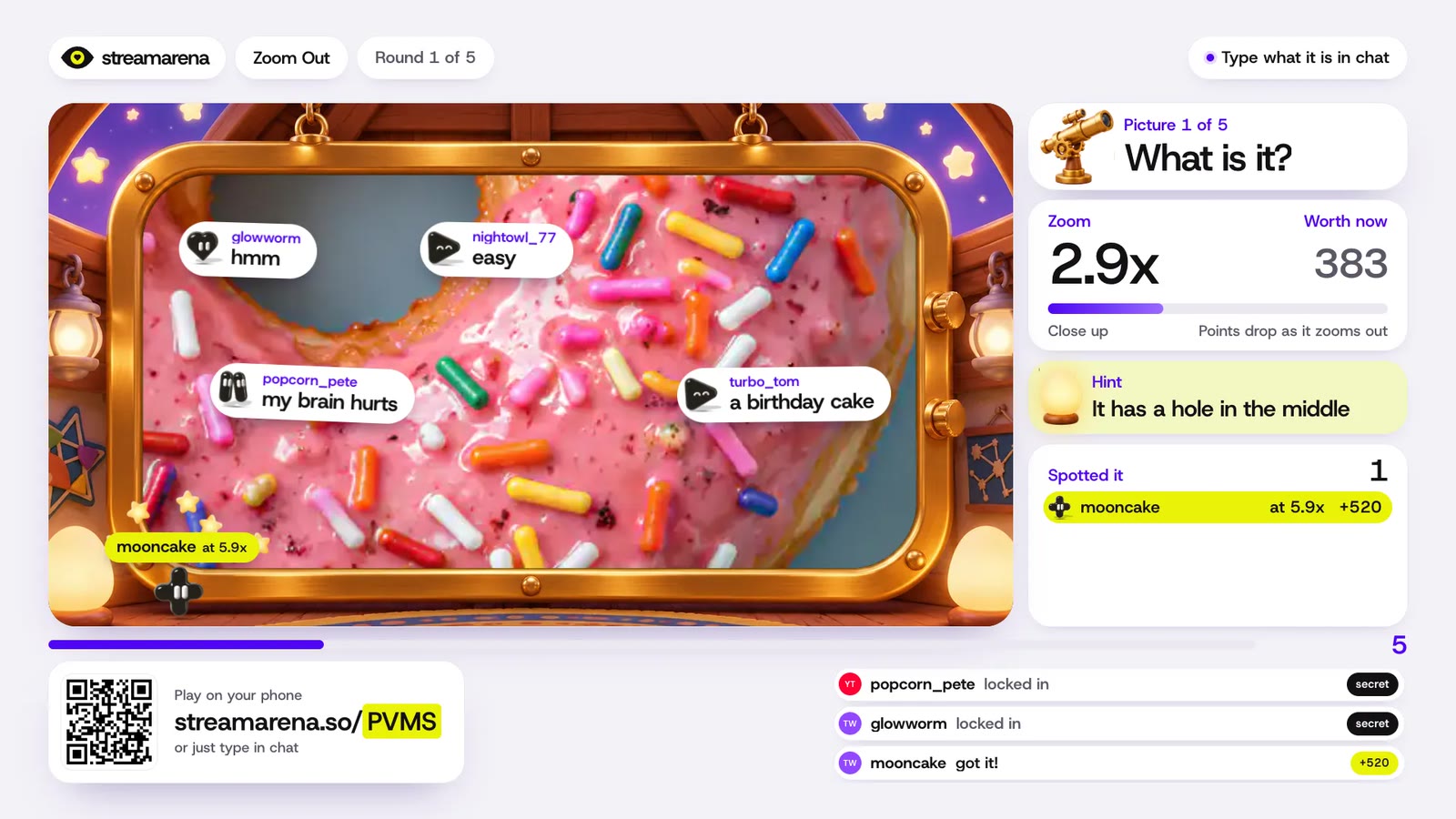
Chat vs Host is the pick for two. One person and one guesser are enough for a round, which makes it a good one for a long-distance date. For more games that start with exactly two players, see our online games for couples and long distance games for couples.
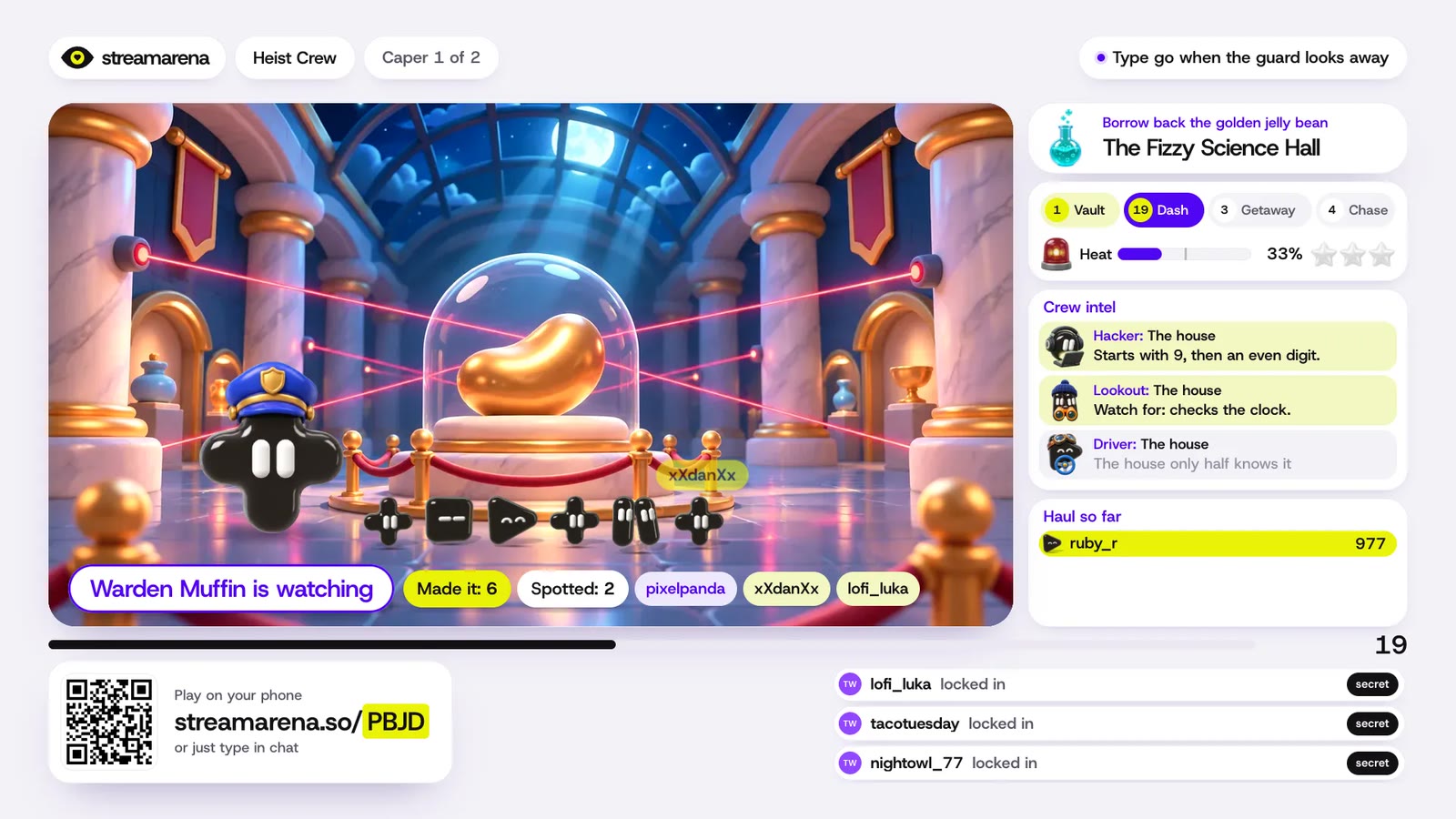
When you have a longer evening, try a mission. In Heist Crew the group works together to borrow back a golden jelly bean statue while a guard looks the other way.
Can you host a virtual game night on a video call?
It should work the same way. A StreamArena game is a web page, so a call where you can share a browser tab can show it, and the code on screen does the rest. The steps above are written for Glint and we have not tried them on other call apps, so play a test round on yours before you invite everyone.
What Glint adds is the place. The game sits on a stage in a room you decorated together, and the room is still there when the round ends. If that kind of hangout is what you are after, games like Club Penguin for adults has more places to spend an evening.
Is it like Jackbox?
It has the same party feel. With Jackbox, the host runs the game on a computer or console and players join on a second device with a room code, as its streamer guide describes. StreamArena differs in two ways that matter for a game night: the game runs in a browser tab, and there is no game to buy. If your group already owns a Jackbox pack, that works for a game night too.
What does it cost?
StreamArena is free, and you can start a game without signing up. Glint is free too, screen sharing included.
What if you host a stream or a podcast?
Then you are who StreamArena was made for. Add a game to your streaming app as a browser source and your viewers play from their phones. If you stream through Upstream.so, viewers on YouTube, Twitch and Kick answer the same round by typing in chat, and they share one scoreboard. Podcast guests scan the code and answer from their phones the same way your friends would.
Why we’re making StreamArena has the longer story, and the full list of games is on the StreamArena site.
For a game night in your room, pick a game at app.streamarena.so/play, open your room at app.glint.so and share the tab.
Written by
Mario Jankovic
Mario makes Glint, a cozy browser app where friends build rooms together and hang out in them. He writes here about spending time with people you love online, and about everything new in Glint.
Reading Progress
0 min read
Keep reading
Kosmi Alternatives in 2026: Where to Watch and Play With Friends Instead
The best Kosmi alternatives in 2026, by what you used Kosmi for: Teleparty for Netflix nights, Watch2Gether and Discord for YouTube, Hyperbeam for a shared browser, Jackbox for games and Glint for a room to hang out in.
Online Games for Couples: Free Browser Games That Work With Just Two
Free online games for couples that run in a browser and start with exactly two players. We tested each one with two players: Codenames Duet, Battleship, skribbl.io, WorldGuessr and more.
How to Watch YouTube Together Online (Every Way That Works in 2026)
Every way to watch YouTube together online in 2026: synced rooms, Discord Watch Together, SharePlay on FaceTime, what works on phones, and what to do when a video won't play.
Want a room of your own?
Glint is free and runs in your browser. Make a room, decorate it with stickers and invite your friends.