 Friends, plans and room toys
Find your kindof together.
Build illustrated rooms and hang out with friends in Glint. Compare that with video bubbles on a canvas, a watch party toolkit, a Discord server or a virtual office. Choose the setting your group enjoys.
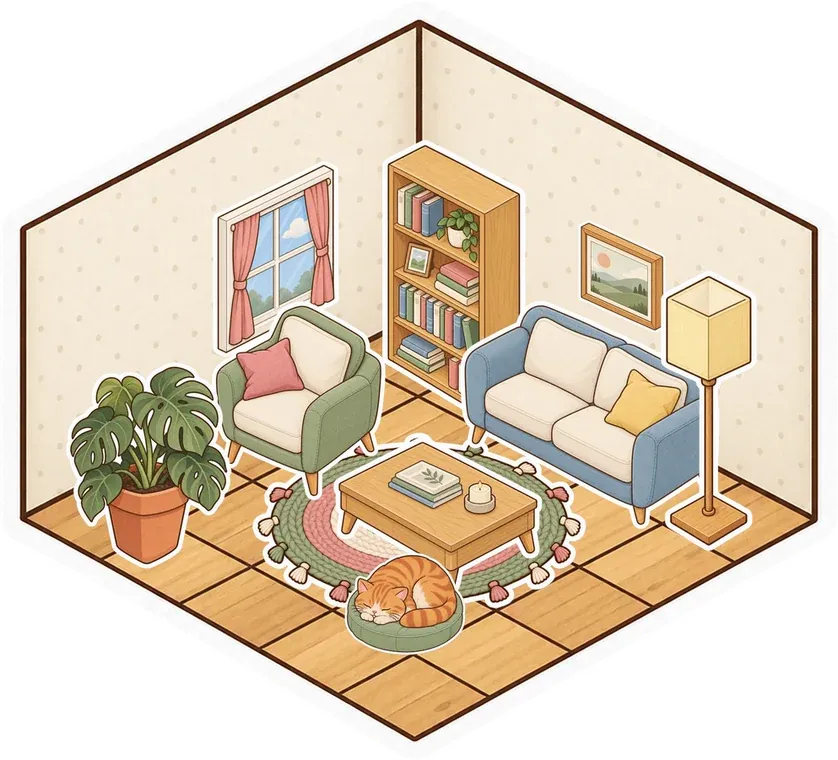

 Cozy bedroom
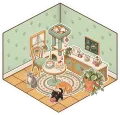 Cat café
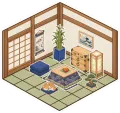 Tea room
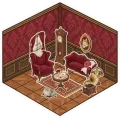 Parlour
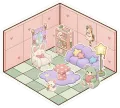 Kawaii
 Modern

By Mario Jankovic ·
We make Glint. Public product checks: November 2, 2026.
What should your next room do?
Each comparison has a feature table, dated sources, limits we found and reasons to choose either product. We tried public entry routes without creating competitor accounts. For features behind those accounts, we checked official documentation.
here.fm
Built rooms and walking avatars, or a canvas with video bubbles.
Read the comparisonKosmi
A room to make yours, or a toolkit for watching and playing.
Read the comparison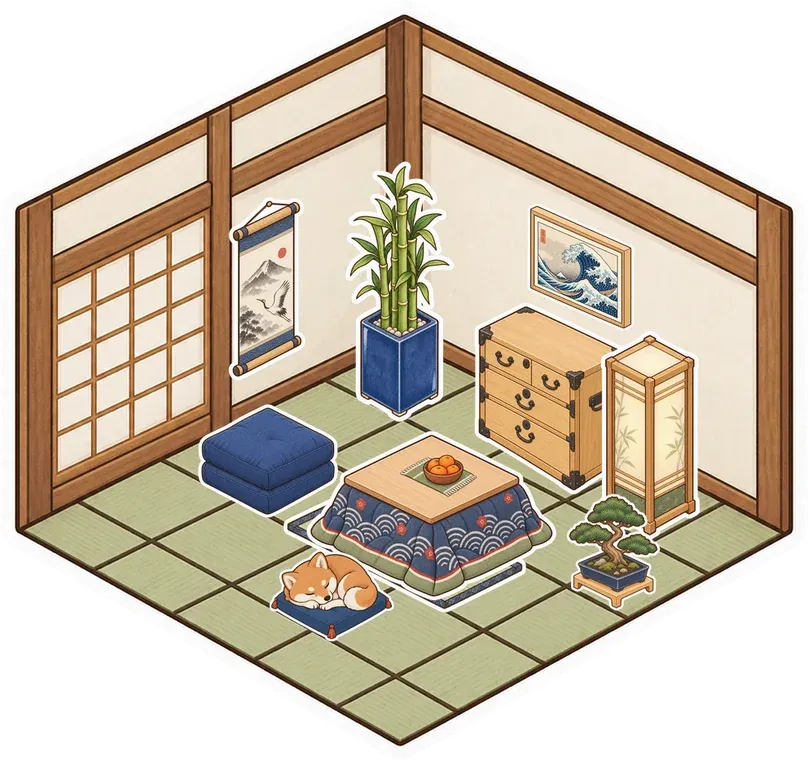


Discord
An illustrated place to meet, or your group's server and channels.
Read the comparisonGather
A room for your friends, or a workspace for your team.
Read the comparisonKumospace
Decorate with friends, or bring a team into a furnished office.
Read the comparison




Try the place before you move the group.
Start with one evening. Build a corner, invite a friend and see whether you want to return. Keep your Discord server, watch party tool or work office for the things you still need.
Glint is free to use with optional sticker packs. Friends can join from a room link without an account. Glint has no importer, so bring your own material. Explore the features or see ways to spend time together.
Free access and sticker packs · Try the guest entry we checked

Your friends. Your little corner.
Make a place for an ordinary evening together. Open a guest room and look around.
Try Glint with no accountFree to use. Optional sticker packs.