 Friends, plans and room toys
Glint vsDiscord
Pick Glint when you want to build a visual room and hang out in it with friends. Pick Discord when your group needs servers, channels, gaming Activities and the community tools around them.




By Mario Jankovic ·
We make Glint. Product and price checks: .
Glint and Discord, side by side
Compare the features that shape a hangout. Anything we could not verify is marked. Follow the numbered references to the dated sources below.
| For your hangout | Glint | Discord |
|---|---|---|
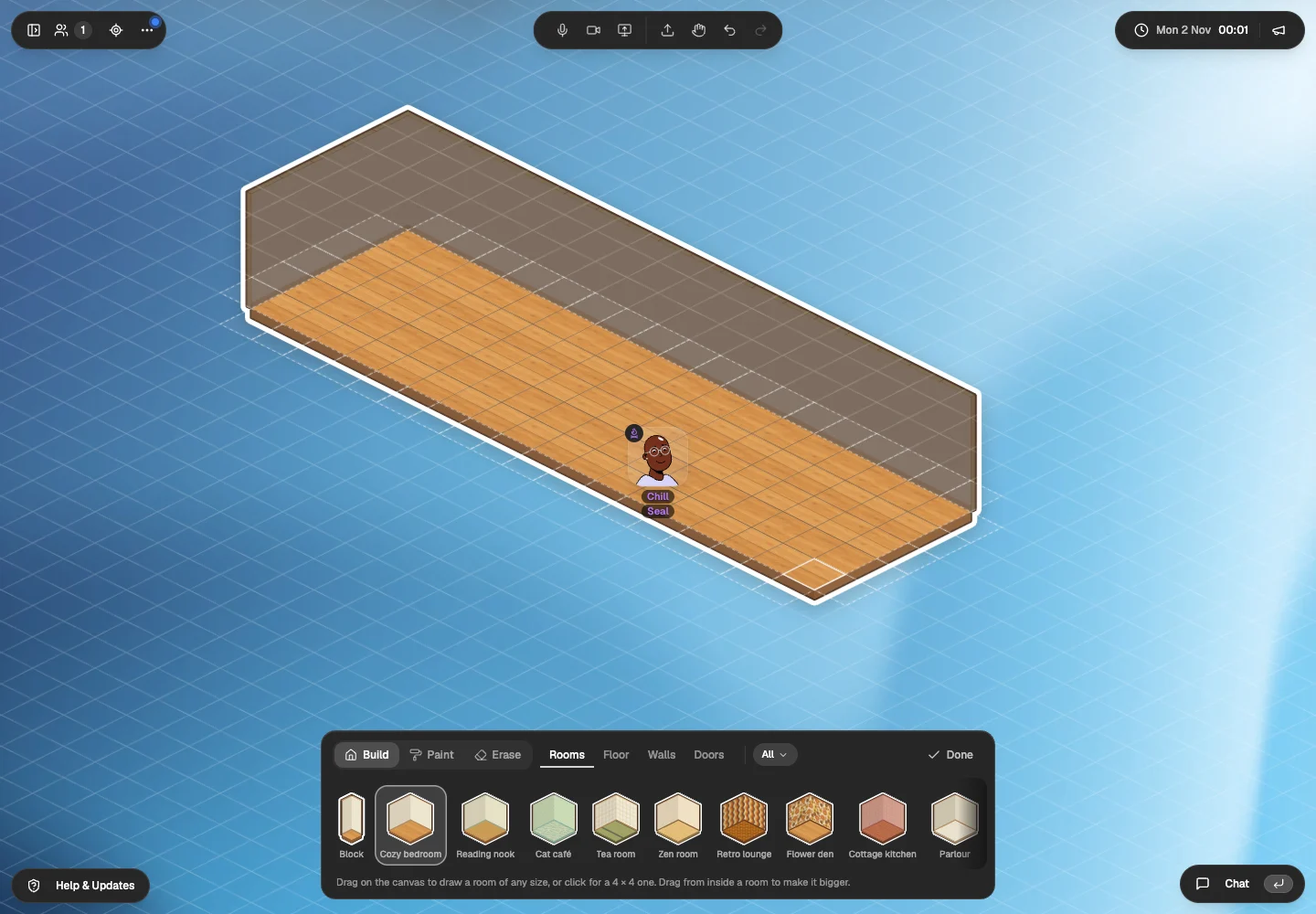
| Rooms you can decorate | Build floors, walls and doors; furnish with illustrated stickers[10] | Server and profile customization, rather than a furnished spatial room[1][8] |
| What a room looks like | An illustrated room beside a shared canvas[10][9] | Servers, channel lists, chat and calls[1] |
| Avatars | Walking avatars[9][10] | Profile avatars; no walking room in the core server interface[1] |
| Voice and video | Voice, video, chat and screen sharing[9][13] | Voice channels, calls, video and screen sharing[1] |
| Watch together | Synchronized YouTube on the room canvas[11] | Synchronized YouTube through Watch Together[3] |
| Games and toys | Polls, shared timer, photo booth and face effects; no comparable multiplayer game catalogue[14] | Activities in calls, such as Watch Together and built in games[3][8] |
| Friends and DMs | Friends, online presence and DMs with a Glint account[14] | Friends, DMs and group conversations[1][5] |
| Events | Events with RSVP and reminders; Glint account required[14] | Server Scheduled Events with interest and notifications[4] |
| Phone apps | Phone browsers; iPhone app coming to the App Store, not available there yet[15] | iPhone and Android apps, plus desktop and supported consoles[5] |
| Guests without an account | Yes. Guest room links, and a trial room with no account needed[9][13] | Our unsigned visit to the web app reached the login screen. We did not test joining a server from an invite link without an account[2] |
| Price | Free to use, with optional sticker packs[13] | Free core service; optional Nitro. Regional paid prices not verified[8][6] |
| Files and room materials | Documents, files and folders on the shared canvas[12] | Files and messages within conversations and channels[1] |
Do you want a server or a place to be?
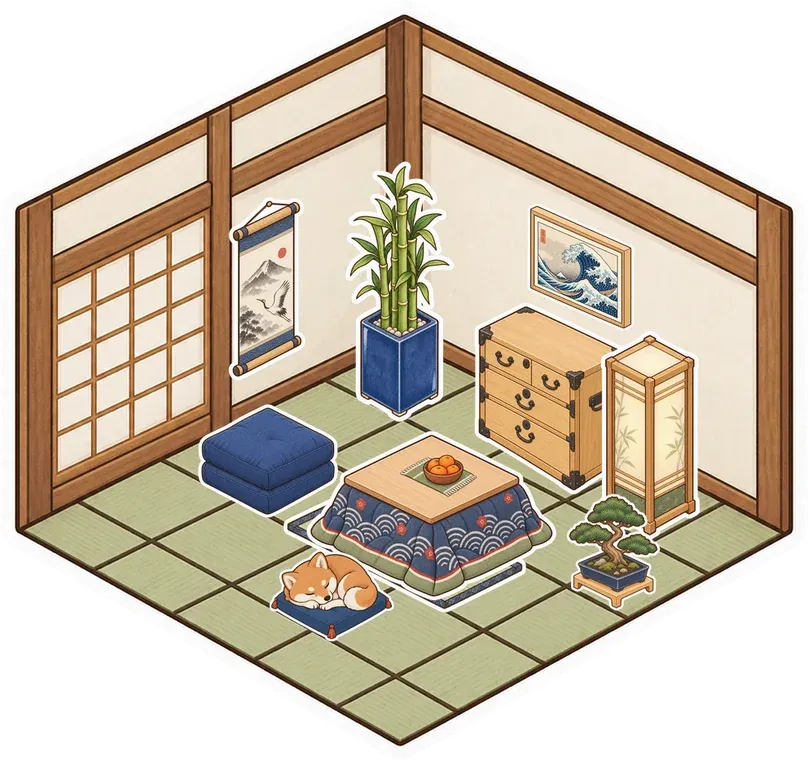
Build and furnish a Glint room with your group. Your avatar walks around it, beside a canvas for notes, pictures, documents and videos. Make a café corner for a call or a quiet study spot with illustrated stickers you choose together.[10][12][11]
Discord organizes groups through servers, text channels and voice channels. That suits ongoing conversations across different topics. Glint's room gives friends another way to spend time together; it does not replace every job a Discord server does.[1]
Try a Glint hangout if your friends miss occupying the same place. Keep Discord if you need a channel for every topic and a server everyone knows. You can use both during the week.
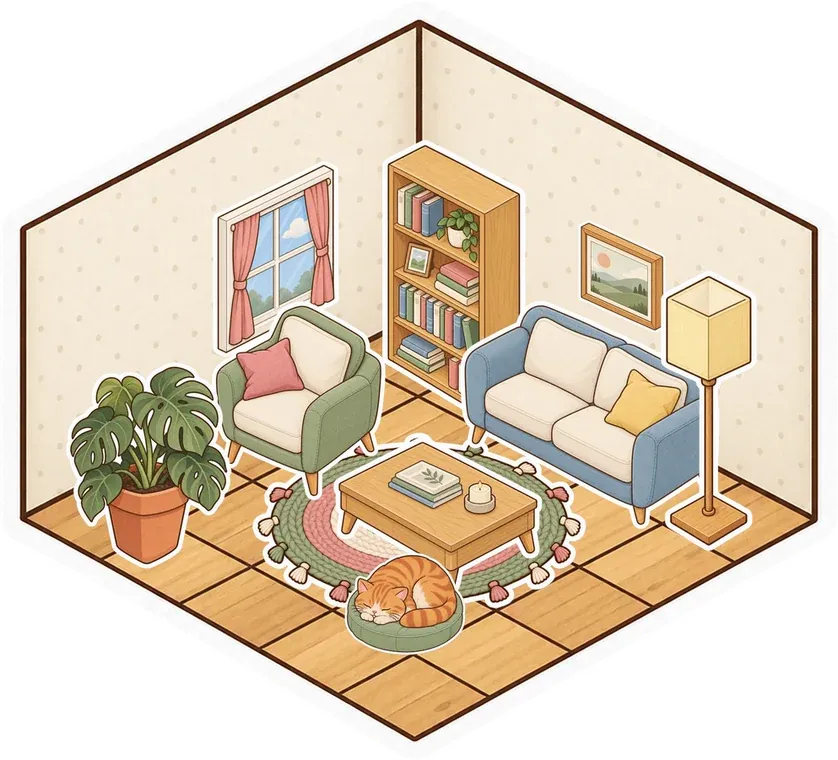
 Cozy bedroom
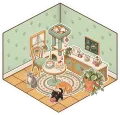 Cat café
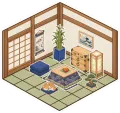 Tea room
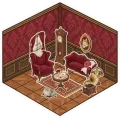 Parlour
 Kawaii
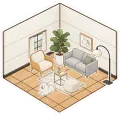 Modern
What could we test without a Discord account?
We followed Discord's web app entry in Chrome without signing in. It redirected to login. We did not register or join a server, so the feature table uses Discord's documentation for server behavior.[2][1]
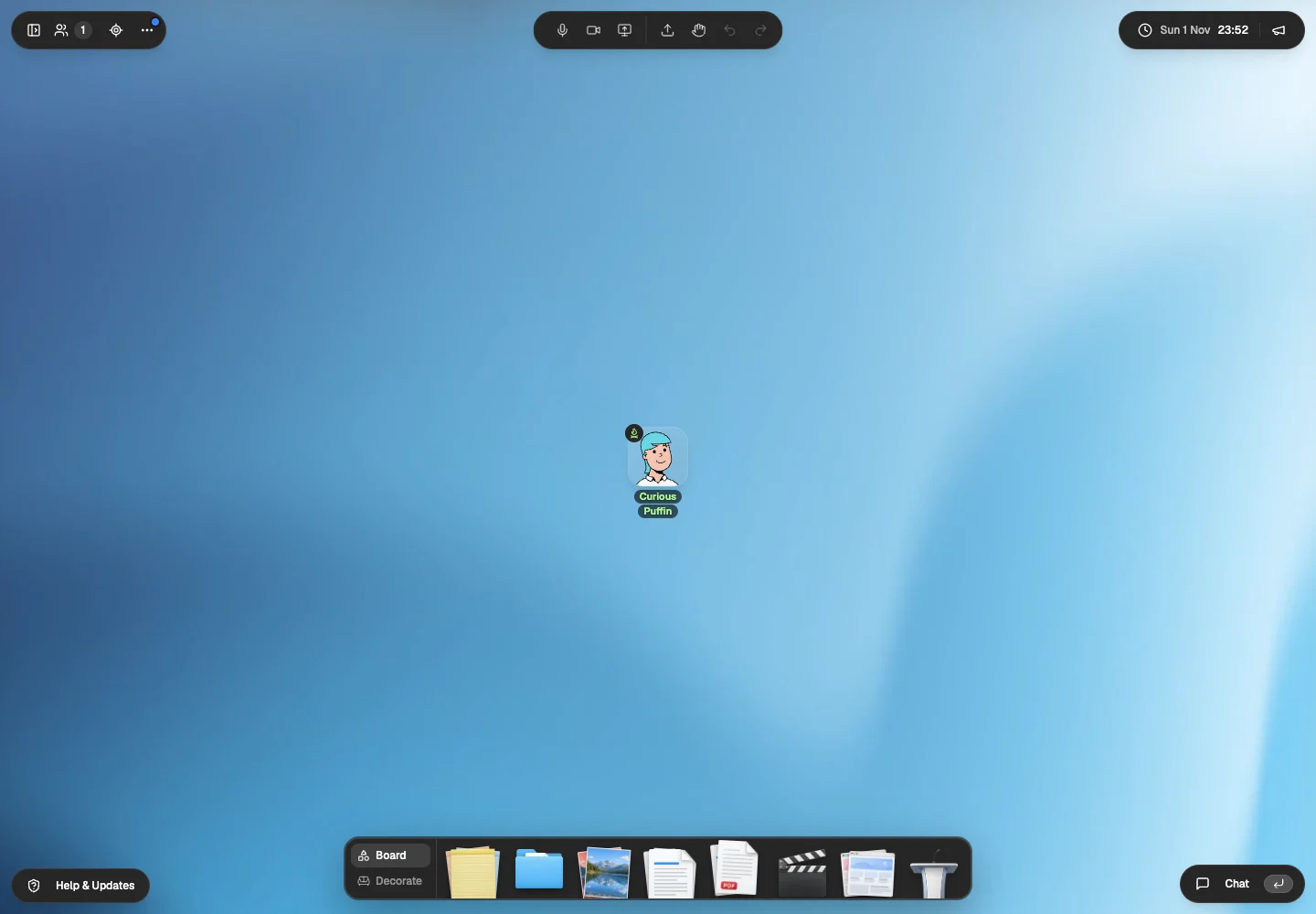
Glint's guest trial showed us an avatar, Board tools and the Decorate dock without an account. These entry checks do not establish whether Discord offers an unclaimed account flow or how each server handles invitations.[9][2]
Invite one friend to a Glint room while keeping your Discord server. Try an ordinary evening together before changing anyone's everyday messaging habits.
What changes when the room is the interface?
Pictures, documents and notes occupy spots on Glint's shared canvas. Arrange them around your room. Our guest trial showed the tools for adding these materials beside the decorating controls.[9][12]
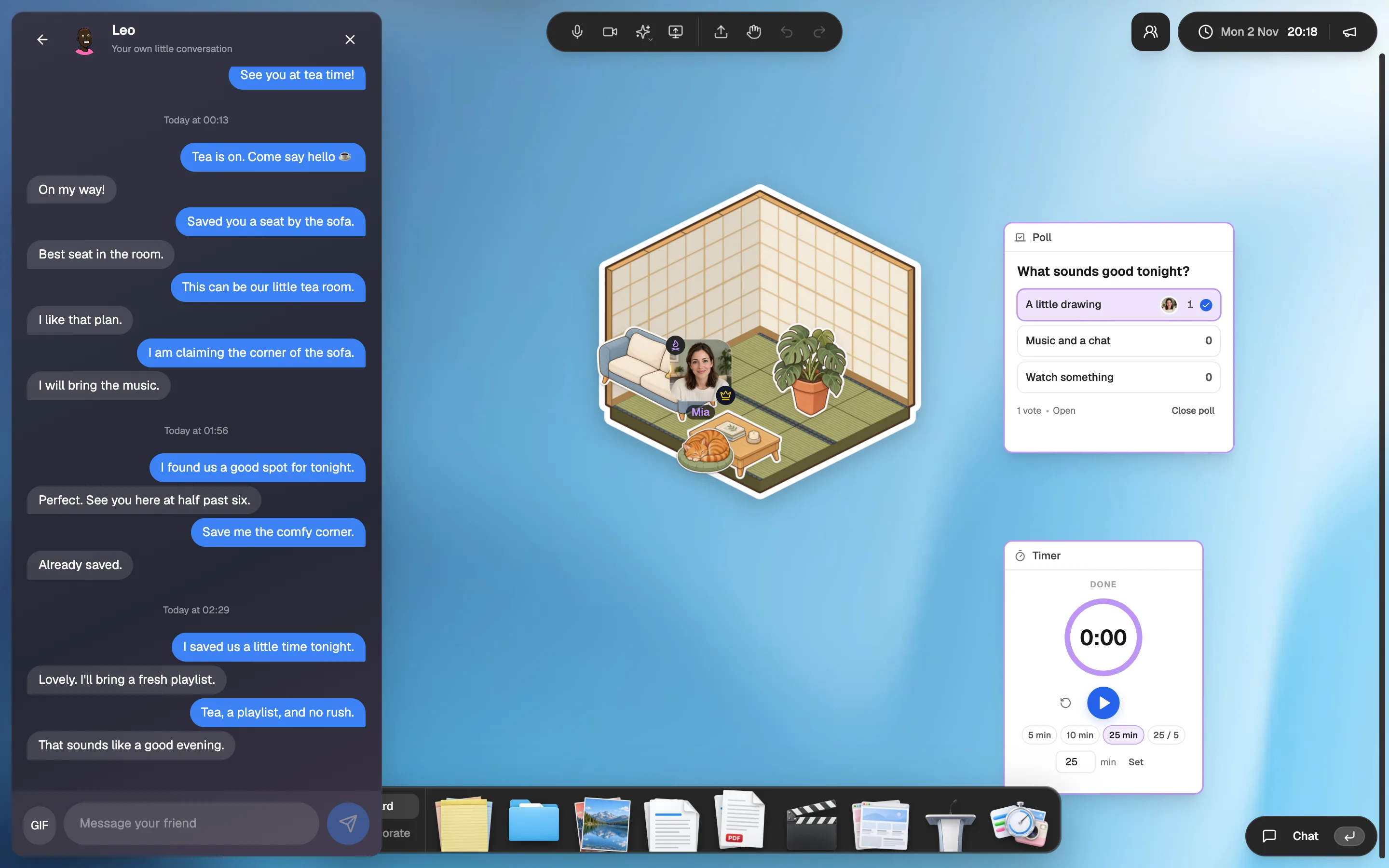
Glint has friends, online presence, DMs and events with RSVP and reminders. Polls, the shared timer, photo booth and face effects add things to do during a visit. Discord has friends, messages, Scheduled Events and Activities too. Try Glint for the illustrated room around those interactions.[14][1][4][8]
Both can host a YouTube evening. Glint puts synchronized YouTube on the room canvas.[11][3]
Discord offers Watch Together as an Activity; its FAQ says each viewer can watch for up to 180 minutes in a group, or 30 minutes alone, before a 10 minute cooldown, while the video keeps playing for everyone else. We checked that rule in the documentation, rather than timing a Discord session.[11][3]

When should you keep Discord?
Keep Discord when your group depends on its servers, roles and gaming ecosystem. Desktop, mobile and supported console access help friends talk while playing. Glint does not import Discord history, roles or bots.[1][5]
Discord's September 2026 safety page says most users will not be asked to confirm their age. Restricted content and certain settings can trigger a check. We updated our older guide to reflect that. We make no claim that Glint offers stronger privacy or encryption.[7]
How do you add a Glint hangout to Discord?
Keep your meeting point
Leave the Discord server available. Choose one evening when a few friends can try a room together.
Build around the group
Make a room with illustrated stickers and a note explaining the plan. Bring material you own or have permission to share.
Post the room link yourself
Share the Glint link in your usual conversation. Guests can join without a Glint account. Decide after the visit whether it earns a place in your routine.
Glint has no importer. Bring your own material and rebuild the room. More context: Where Glint fits alongside a Discord server. Guest invitations and room tools are described in our Glint sources.
Questions about Glint and Discord
Can Glint replace an entire Discord server?
Treat Glint as a room for hanging out. Glint does not import Discord history, roles or bots. Keep Discord if its server structure is essential to your group.[1][10]
Are both free to use?
Glint is free to use with optional sticker packs. Discord has a free core service and optional Nitro. We did not verify a regional Nitro price on November 1, 2026.[13][8][6]
Does Discord have watch together and events?
Yes. Discord documents synchronized YouTube through Watch Together and server Scheduled Events with interest and notifications. Glint also has YouTube and social events.[3][4][11][14]
Do all Discord users have to upload ID?
No. Discord's September 2026 safety page says most users will not be asked to confirm their age. Some restricted content and settings can trigger an age assurance check.[7]
How we checked this comparison
We tried the public entry routes in Chrome on November 1, 2026. A separate fact check revisited the official pages and entry routes on November 2. We did not create competitor accounts or log in.
Our Glint images show the guest trial, a room we built on November 2 and separate release captures with test accounts. We did not test physical phones or compare call quality.
- Discord beginner's guideServers, channels, profiles, voice and video. Checked November 2, 2026.
- Discord web appOur anonymous visit redirected to login. We did not create an account. Checked November 2, 2026.
- Discord Watch Together FAQSynchronized YouTube and the documented playback limit. Not played in our test. Checked November 2, 2026.
- Discord Scheduled EventsServer event scheduling, interest and notifications. Checked November 2, 2026.
- Discord downloadsDesktop, mobile and supported console access. Features vary by platform. Checked November 2, 2026.
- Discord NitroOptional paid features. A reliable regional price was not available in our unsigned visit. Checked November 2, 2026.
- Discord age assurance methods and dataSeptember 2026 safety page. Most users are not asked to confirm their age. Checked November 2, 2026.
- Discord product pageCurrent group chat, gaming and community positioning. Checked November 2, 2026.
- Our Glint guest trialWe entered without an account on November 1, then opened the room builder on November 2. The screenshots below record the avatar and Board tools we inspected. Checked November 2, 2026.
- Glint room builder and illustrated stickersOur public room builder guide and guest room capture. The sticker album is also described at /features/digital-stickers. Checked November 2, 2026.
- Glint synchronized YouTubeOur public product guide describes synchronized YouTube. We did not measure playback across two guest devices in this comparison. Checked November 2, 2026.
- Glint folders and filesOur public files guide. The guest visit showed Folder, Document, PDF and upload controls. Checked November 2, 2026.
- Glint terms and free accessFree room creation, invitations, chat and calling, with optional sticker packs. Checked November 2, 2026.
- Glint friends, events and room toysWe make Glint. Friends, online presence, DMs, events with RSVP and reminders, polls, a shared timer, a photo booth and face effects are part of our November 2026 release. Friends, DMs and events need a Glint account. The captures on this page come from our release check. Checked November 2, 2026.
- Glint browser access and iPhone statusGlint works in phone browsers. The iPhone app is coming to the App Store and is not available there yet. We did not test a physical phone for this comparison. Checked November 2, 2026.

Make a little place for your people.
Open the guest room. Build a corner and see whether you want to return.
Try Glint with no accountFree to use. Optional sticker packs.